How to Build Conflict-Free School Timetables with Seasonal Bell Timing
Learn how modern schools design conflict-free class timetables, balance faculty teaching periods, and support separate summer and winter shift timings without rebuilding routines.

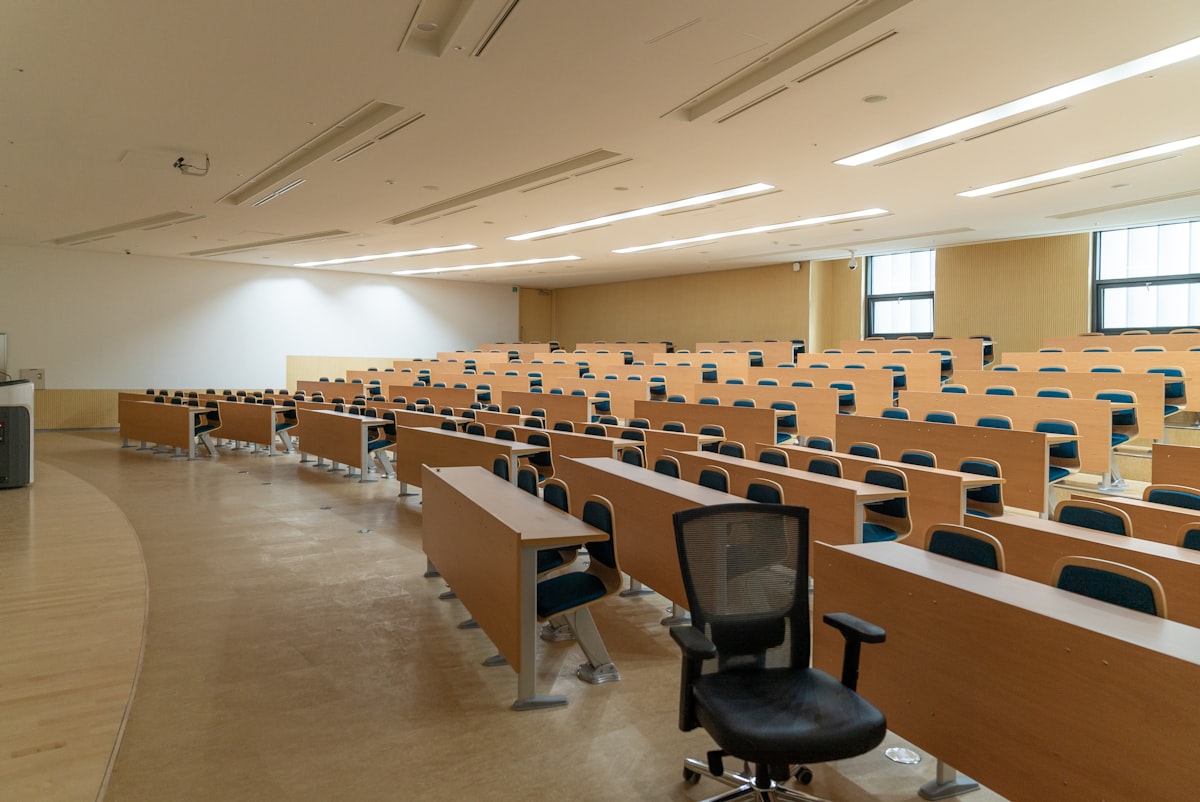
Drafting an academic timetable at the beginning of each school session is one of the most mentally exhausting puzzles faced by academic coordinators. In a typical school with multiple sections, specialized subject teachers, laboratory periods, and physical education slots, constructing a clash-free weekly routine manually on a whiteboard or spreadsheet takes days of tedious trial and error.
The Major Roadblocks in Manual School Timetable Scheduling
When academic routines are planned by hand, coordinators regularly grapple with systemic frustrations:
- Teacher Double-Booking: Inadvertently scheduling a specialized teacher, such as a senior physics faculty or language instructor, into two different sections during the same period.
- Unbalanced Subject Distribution: Grouping difficult academic subjects back-to-back on certain days, resulting in student mental fatigue and lower classroom engagement.
- Teacher Workload Disparities: Accidentally burdening certain teachers with six consecutive teaching periods while others have long idle gaps.
- Seasonal Timing Upheavals: When winter arrives and the district administration mandates altered school timings, coordinators are often forced to redraw the entire timetable from scratch.
Manual Chalk Scheduling vs. Digital Routine Generator
The table below illustrates why modern K-12 institutions rely on digital timetable generation software:
| Scheduling Metric | Manual Paper & Spreadsheet Setup | VeduOS Digital Timetable Module |
|---|---|---|
| Clash Detection | Manual cross-checking across dozens of paper sheets | Instant real-time validation preventing double-booking |
| Seasonal Timing Shifts | Re-entering all periods and printing new sheets | Toggle between Summer and Winter day structures with one click |
| Teacher Workload Balance | Difficult to calculate weekly continuous teaching hours | Clear visual view of weekly period allocations per teacher |
| Distribution to Parents | Pasting paper slips into student communication diaries | Live access in the student and parent mobile application |
Key Strategies for Perfect School Timetable Planning
Implementing an effective academic timetable requires balancing pedagogical science with faculty availability. Follow these four foundational steps:
1. Establish Flexible Day and Period Structures
Configure weekly working days (Monday to Saturday or Monday to Friday) and define daily period counts. VeduOS allows you to designate morning assemblies, short recesses, and lunch breaks, giving structure to your academic day.
2. Maintain Distinct Summer and Winter Schedules
North Indian schools frequently adjust daily start times during winter months due to morning fog. VeduOS separates seasonal day structures from timetable routines: adjust bell timings and period durations freely while your subject and teacher mappings remain completely intact.
3. Allocate Teachers with Subject Workload Visibility
Map qualified faculty members to specific subjects within each grade section. The software displays weekly teaching loads, allowing administrators to distribute core academic subjects evenly across the week while avoiding teacher burnout.
4. Enable Instant Timetable Access Across All Panels
Once approved by the principal, timetables become live immediately. Teachers see their daily schedule on their teacher dashboard, while parents and students can review the next day routine on their phones to pack books accordingly.
Conclusion: Bring Precision to School Scheduling
An orderly timetable is the foundation of academic discipline. By modernizing your routine generation with VeduOS, academic coordinators eliminate human scheduling errors, balance faculty workloads, and ensure that every school day runs smoothly from the first bell to dismissal.
Frequently Asked Questions
Yes. VeduOS allows schools to create distinct day structures for summer and winter shifts. You can alter period durations and start times without disturbing teacher-subject assignments.
When assigning a teacher to a class period, the system cross-references the teacher master timetable in real time, alerting you instantly if the faculty member is already scheduled elsewhere.
Yes. The active class routine is displayed directly on the student and parent mobile dashboard, showing daily subject sequences, room numbers, and assigned teachers.
Yes. Administrators can export complete school master timetables, individual class routines, or teacher schedules into clean printable layouts and Excel sheets.